In Part 4 of this series, we added tool calling to our AI agent, allowing it to access real-time information like weather forecasts and current dates. However, we discovered another limitation: when asked to book flights or hotels, the agent couldn’t access those systems because we’d need to hardcode every API integration into our application.

Hardcoding API integrations creates maintenance challenges. Every new service requires code changes, recompilation, and redeployment. As your organization adds more systems (booking platforms, inventory systems, CRM tools), your AI agent becomes increasingly difficult to maintain and extend.

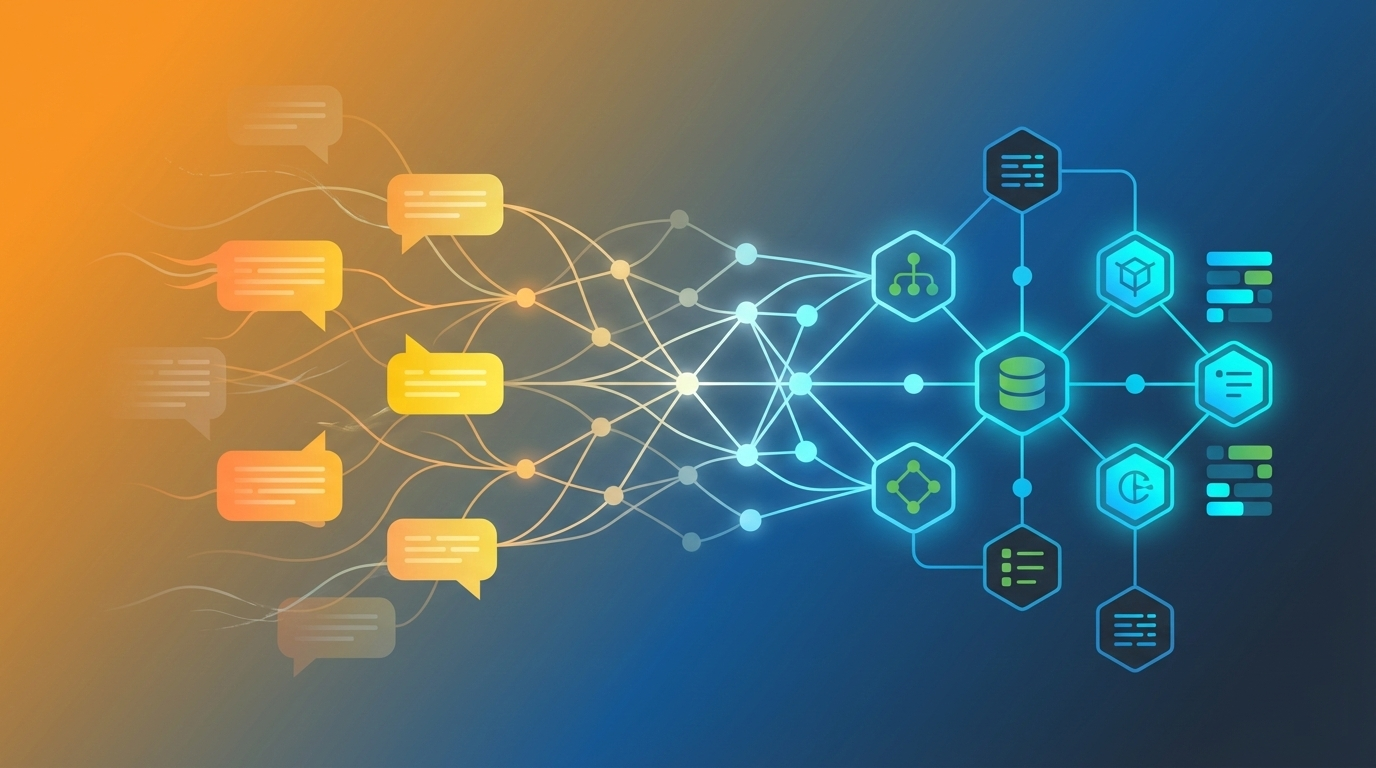
In this post, we’ll add Model Context Protocol (MCP) to our AI agent, allowing it to dynamically discover and use tools from external services without code changes or redeployment. You’ll learn how MCP enables you to expose your legacy systems, enterprise applications, or microservices to AI agents without rewriting them.

In Part 3 of this series, we enhanced our AI agent with domain-specific knowledge through RAG, allowing it to answer questions based on company documents. However, we discovered another critical limitation: when asked about real-time information like weather forecasts or current dates, the agent couldn’t provide accurate answers.

AI models are trained on historical data with a knowledge cutoff date. They don’t have access to real-time information like current weather, today’s date, live flight prices, or currency exchange rates. This makes them unable to help with time-sensitive tasks that require up-to-date information.

In this post, we’ll add tool calling (also known as function calling) to our AI agent, allowing it to access real-time information and take actions by calling external APIs and services.

In Part 2 of this series, we enhanced our AI agent with conversation memory, allowing it to remember previous interactions and maintain context across sessions. However, we discovered another critical limitation: when asked about company-specific information like travel policies, the agent couldn’t provide accurate answers.

Generic AI models are trained on broad internet data but don’t know your company’s specific policies, procedures, or domain knowledge. They might provide plausible-sounding but incorrect answers (hallucinations), which is unacceptable for business applications.

In this post, we’ll add domain-specific knowledge to our AI agent through RAG (Retrieval-Augmented Generation), allowing it to answer questions based on company documents with accuracy and confidence.

In Part 1 of this series, we built a functional AI agent using Java, Spring AI, and Amazon Bedrock. However, we discovered a critical limitation: the agent couldn’t remember previous conversations. When we asked “What is my name?” after introducing ourselves, the agent had no recollection of our earlier interaction.

This lack of memory creates a frustrating user experience and limits the agent’s usefulness for real-world applications. Imagine a customer service agent that forgets your issue every time you send a message, or a travel assistant that can’t recall your preferences from previous conversations.

In this post, we’ll enhance our AI agent with a three-tier memory architecture that provides both short-term conversation context and long-term user knowledge. We’ll implement this incrementally, starting with persistent session memory, then adding conversation summaries, and finally user preferences—all backed by PostgreSQL for production reliability.

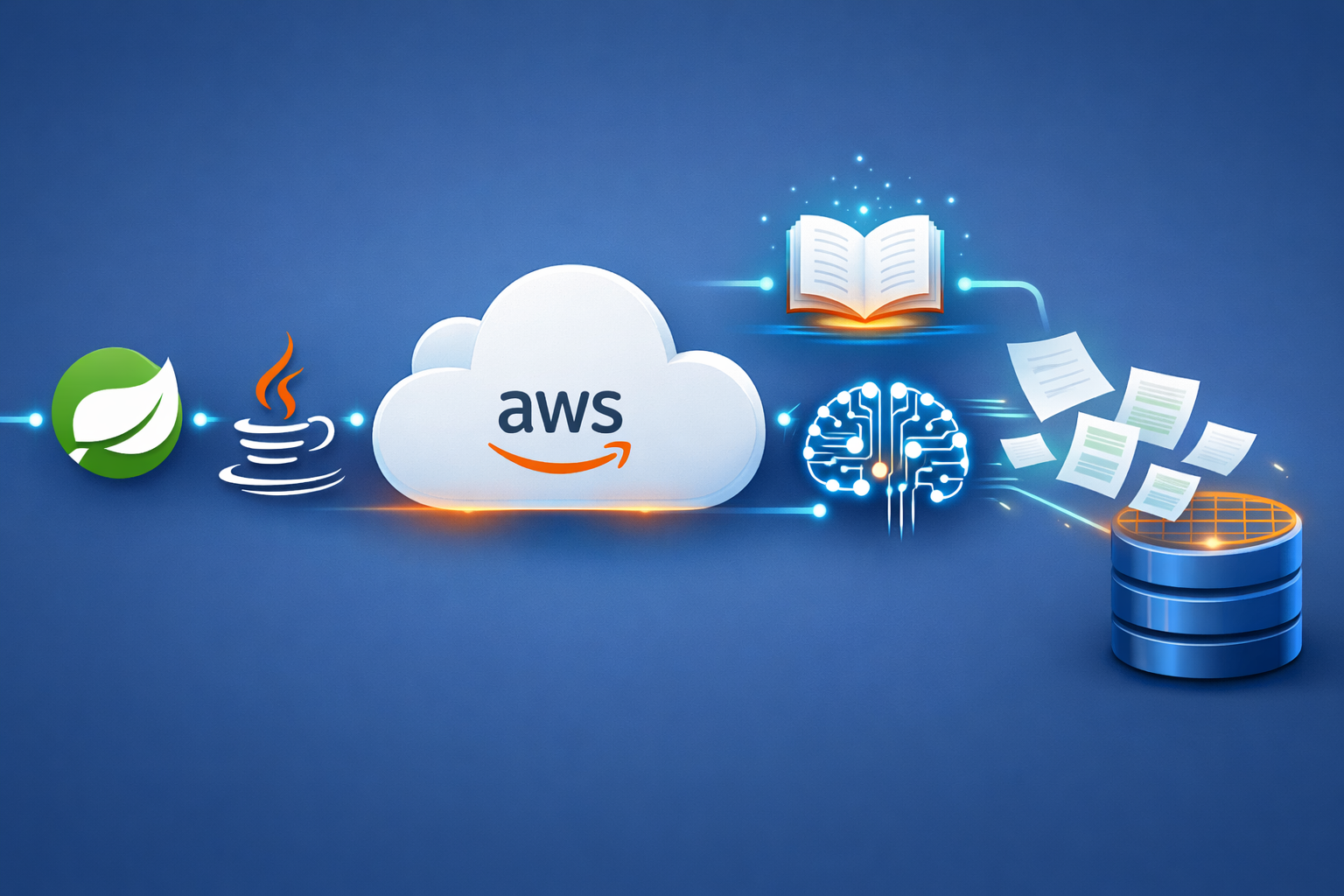
Building AI-powered applications has become increasingly important for modern Java developers. With the rise of large language models and AI services, integrating intelligent capabilities into Java applications is no longer a luxury — it’s a necessity for staying competitive.

Spring AI makes this integration seamless by providing a unified framework for building AI-powered applications with Java. Combined with Amazon Bedrock, developers can create sophisticated AI agents that leverage state-of-the-art foundation models without managing complex infrastructure.

In this post, I’ll guide you through creating your first AI agent using Java and Spring AI, connected to Amazon Bedrock. We’ll build a complete application with both REST API and web interface, demonstrating how to integrate AI capabilities into your Java applications.